


SEE Results Scheduled for Publication Today
Preparations are underway to publish the SEE results by this evening.

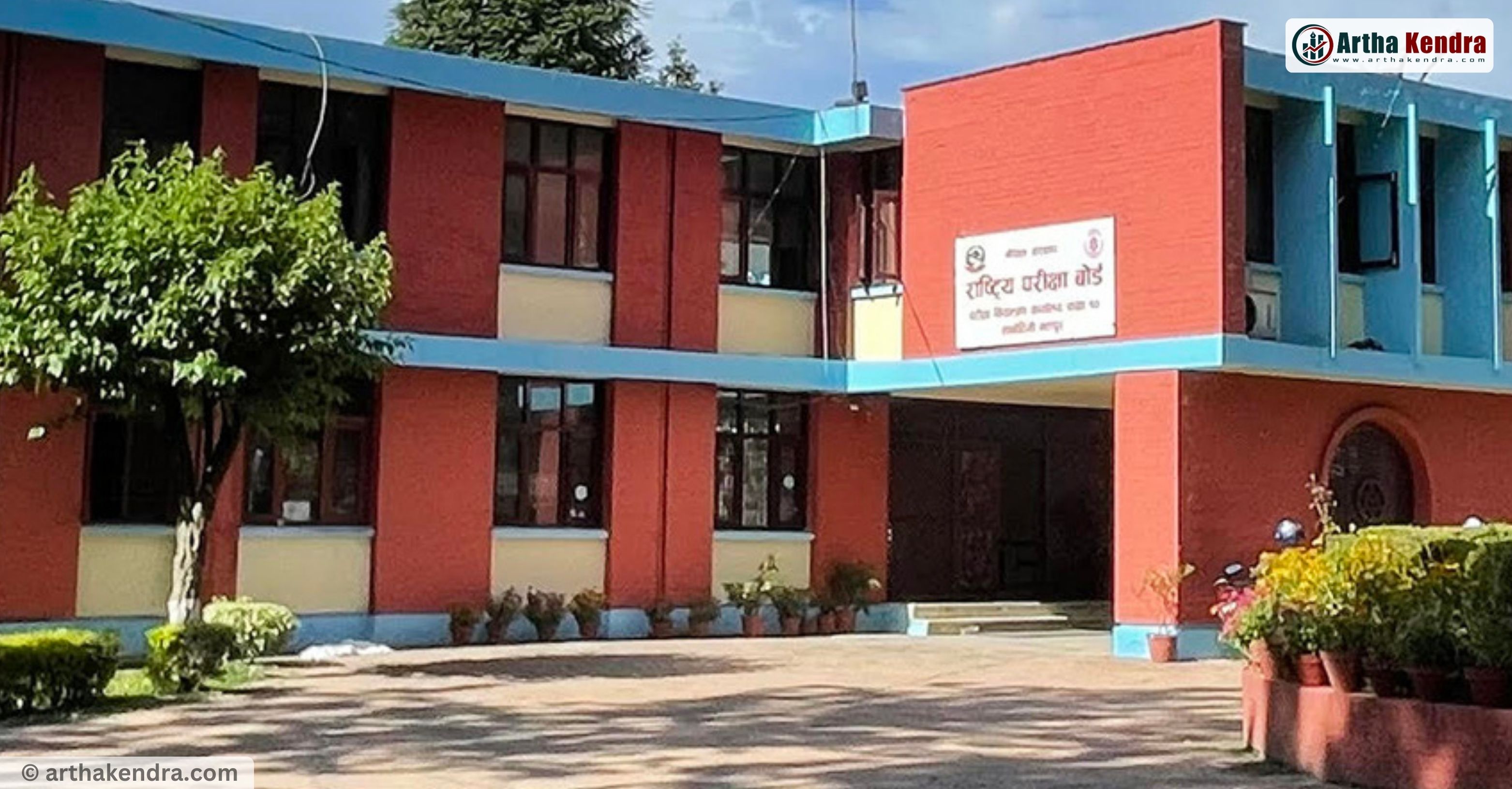
Kathmandu. Preparations are underway to publish the SEE results by this evening. The National Examination Board in Sanothimi plans to convene a board meeting at 5 PM today to make a decision regarding the publication of the results.
Deputy Controller of the Board, Bishnu Gyawali, has informed that the results will be published today if there are no issues.
After the SEE, answer sheets and marks from all 77 districts arrived at the examination center in Sanothimi on Baisakh 5. Following that, the process for the technical session began.
The government had directed to publish the results of this year's SEE examination, which took place from Chaitra 19 to 29, within one month.
The number of students participating in this year's SEE was 512,421. For the first time this year, the answer sheets were evaluated and examined at the examination centers themselves.
Every day, as soon as the exams ended, the answer sheets were evaluated, and arrangements were made to provide the marks to the Education Development and Coordination Unit at the district level every third day. Similarly, by the fourth day after the exams, the marks obtained by the students were arranged to reach the Examination Control Office.
SEE Result 2082 Published: How to Check via SMS, IVR, and Websites
The National Examinations Board (NEB), Office of the Controller of Examinations (Class 10), has published the results of the Secondary Education Examination (SEE) 2082 (Regular and Grade Improvement). Candidates can now check their results through SMS, IVR, and official websites.
How to Check SEE Result 2082
1. Via SMS (Short Codes)
Send an SMS with your symbol number to the following short codes:
| Service Provider | Short Code | Method |
|---|---|---|
| Nepal Telecom (SMS, USSD, IVR) | 1600 | Type SEE <symbol number> and send to 1600 |
| Janaki Technology | 35009 | Type SEE <symbol number> and send to 35009 |
| Ambition Guru | 31061 | Type SEE <symbol number> and send to 31061 |
Example: SEE 123456789
2. Via IVR (Interactive Voice Response)
-
Nepal Telecom: Dial 1600 and follow voice instructions.
3. Via Website
Visit any of the following official or authorised websites:
| Provider | Website |
|---|---|
| NEB (Official) | www.see.gov.np |
| NEB General | www.neb.gov.np |
| Leadership Telecom | www.see.mtc.net.np |
| Kantipur | www.ekantipur.com |
| Edusanjal | www.see.edusanjal.com |
| Khalti | https://khalti.com/app |
| College Info Nepal | see.collegeinfonepal.com |
| The Connect Plus | https://theconnectplus.com |
| Ncell App | https://ncellapp.ncell.com.np (Result section) |
| Neem Academy | result.neemacademy.com |
| Yoo Result | result.yoo.com |
| Ambition Guru | see.ambition.guru |
| Mero Study | https://see.merostudy.net |
| NEB Education | nebeducation.com/sse |
Important Notes
-
Keep your SEE symbol number ready.
-
Official notice reminds students to use only the listed short codes and websites.
-
Beware of fake links or unauthorized services claiming to provide results.
Comments
0 comments · join the conversation
No comments yet
Be the first to share your thoughts.
Add a comment
Your comment will appear after a quick review.
Comment submitted
Thanks! Your comment is in the moderation queue and will appear after verification.
Reply to comment
0 replies
Reply submitted
Thanks! Your reply is in the moderation queue and will appear after verification.