


SEE Result 2082/83: How to Check SEE Results Online, SMS and IVR in Nepal
The National Examinations Board (NEB), Office of the Controller of Examinations (Class 10), has officially published the results of the Secondary Education Examination (SEE) 2082 .

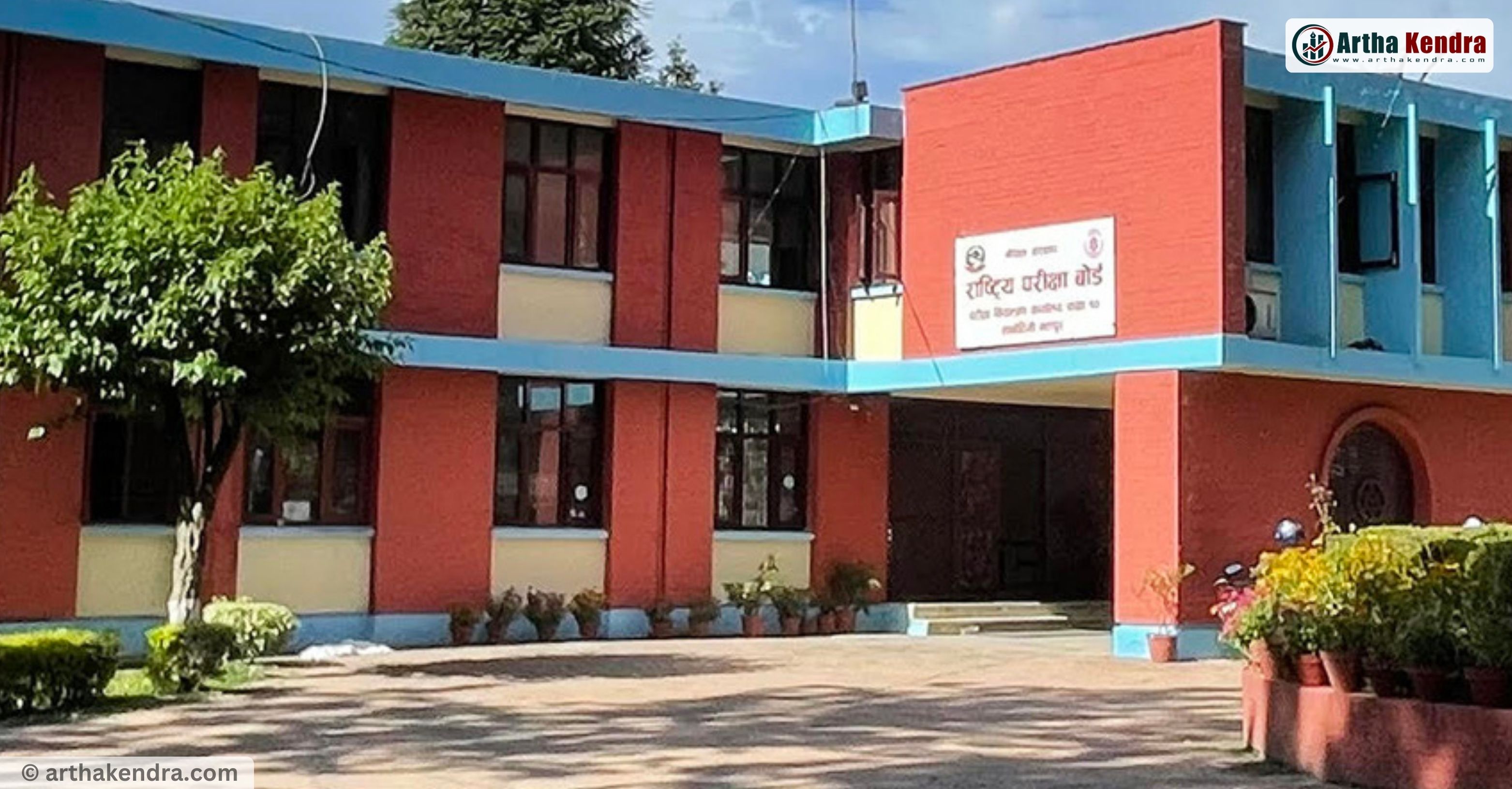
SEE Result 2082/83: How to Check SEE Results Online, SMS and IVR in Nepal
The National Examination Board (NEB), Examination Control Office, Sanothimi, Bhaktapur, has officially published the methods to check the Secondary Education Examination (SEE) Result 2082/83 through online websites, SMS, and IVR services.
Students who appeared in the SEE examination can easily check their SEE results and gradesheet using their symbol number once the results are officially announced by NEB. Every year, lakhs of students across Nepal wait for the SEE Result publication, making “SEE Result 2082”, “SEE Result 2082 with Marksheet”, and “How to Check SEE Result” among the most searched terms in Nepal.
How to Check SEE Result 2082/83 Online
Students can check the SEE Result 2082 online by visiting the official websites listed below. Follow these simple steps:
- Visit any official SEE result website.
- Enter your Symbol Number correctly.
- Click on the “Search” or “Submit” button.
- Your SEE Result 2082 and gradesheet will appear on the screen.
Official Websites to Check SEE Result 2082
| S.N | Website Name | Website Link |
|---|---|---|
| 1 | SEE Official Website | www.see.gov.np |
| 2 | National Examination Board (NEB) | www.neb.gov.np |
| 3 | Nepal Telecom SEE Result | www.see.ntc.net.np |
| 4 | eKantipur SEE Result | www.ekantipur.com |
| 5 | EduSanjal SEE Result | www.see.edusanjal.com |
| 6 | Khalti App | khalti.com/app |
| 7 | College Info Nepal | see.collegeinfonepal.com |
| 8 | The Connect Plus | theconnectplus.com |
| 9 | Ncell SEE Result | ncellapp.ncell.com.np/result |
How to Check SEE Result 2082 by SMS
Students can also check SEE Result 2082/83 through SMS services from different service providers. Type your symbol number in the following format:
SEE <space> Symbol Number
Example:
SEE 0201382D
SEE Result SMS and IVR Short Codes
| S.N | Organization | Service | Short Code |
|---|---|---|---|
| 1 | Nepal Telecom | SMS/USSD & IVR | 1600 |
| 2 | Janaki Technology Pvt. Ltd. | SMS | 35001 |
| 3 | Ambition Guru Pvt. Ltd. | SMS | 31061 |
How to Check SEE Result by IVR
- Dial 1600 from your mobile or landline.
- Follow the voice instructions carefully.
- Enter your SEE Symbol Number.
- Your SEE Result will be provided through the IVR system.
SEE Result 2082 Latest Update
According to NEB sources, the SEE Result 2082/83 is expected to be published soon after the final verification and technical preparation process is completed. More than five lakh students appeared in the SEE examinations this year from different schools across Nepal.
Students are advised to use only official and trusted websites to check SEE Result 2082 online to avoid misinformation and server issues during peak traffic hours.
Comments
0 comments · join the conversation
No comments yet
Be the first to share your thoughts.
Add a comment
Your comment will appear after a quick review.
Comment submitted
Thanks! Your comment is in the moderation queue and will appear after verification.
Reply to comment
0 replies
Reply submitted
Thanks! Your reply is in the moderation queue and will appear after verification.